A TV guide in every list
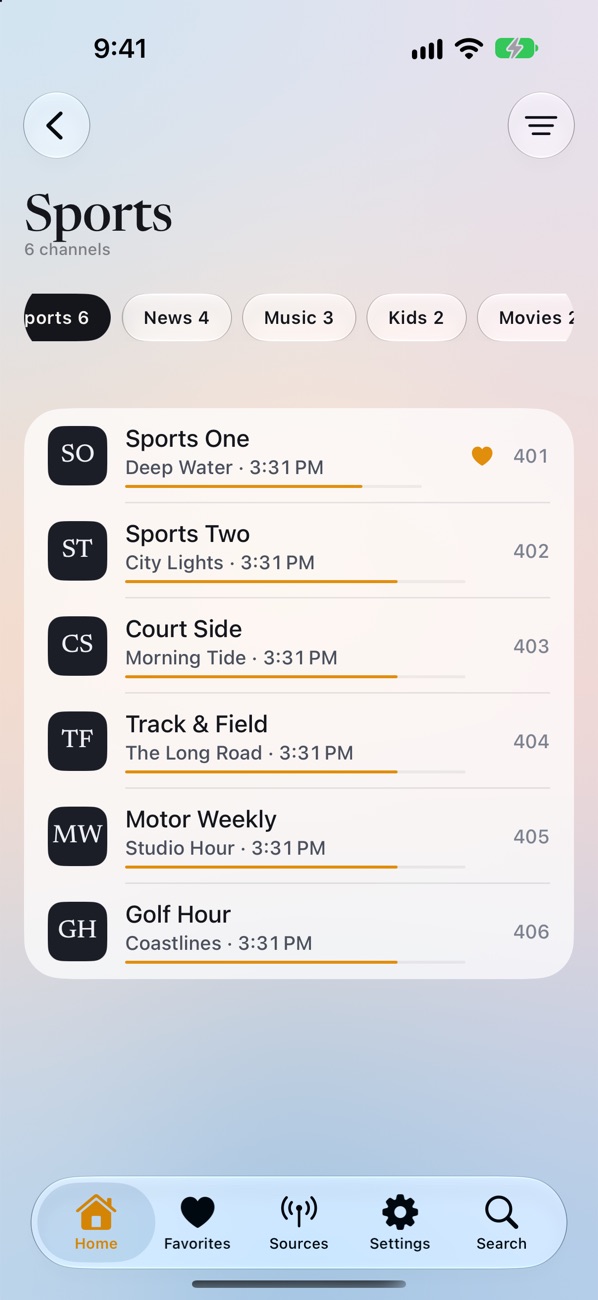
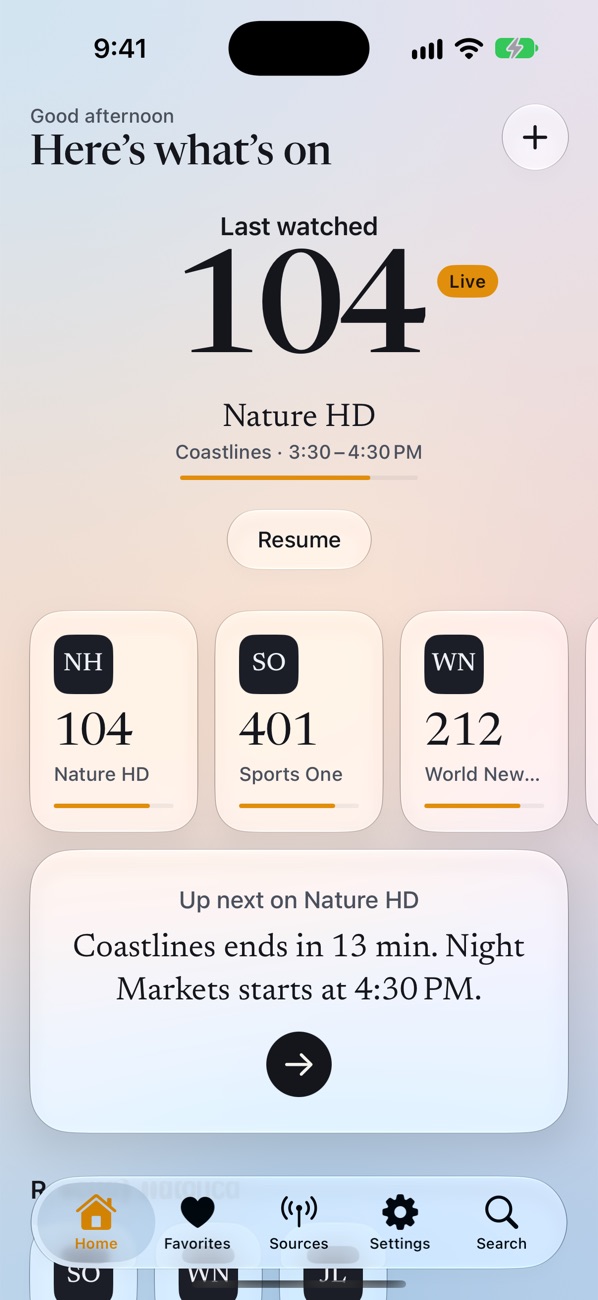
Now and next on every channel, with a progress bar, straight from your playlist's guide.
Coming soon for iPhone and iPad
Paste your playlist link or Xtream login. Your channels, movies and series are ready in seconds.
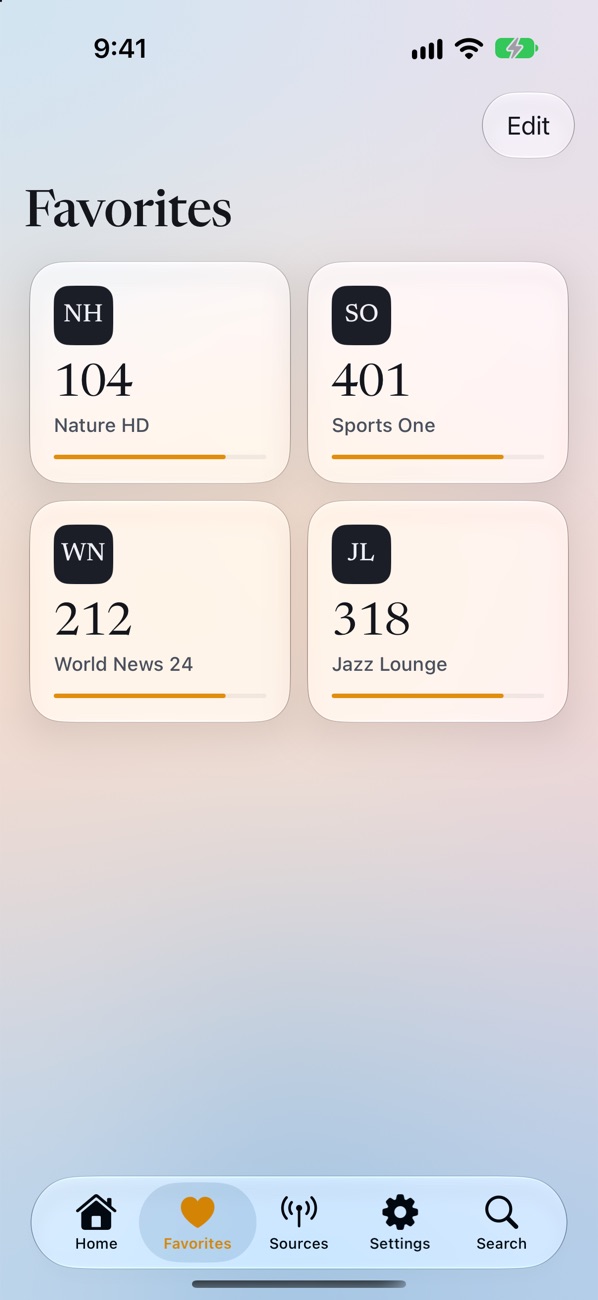
Copy the link your TV provider sent you. Drive-In works out if it's a playlist, an Xtream login or a single video.
Channels arrive sorted into groups, with what's on now and what's next.
Swipe to flip channels. Movies and series pick up where you stopped.
Now and next on every channel, with a progress bar, straight from your playlist's guide.
Apple's player for smooth streaming, and a backup player for MKV, TS and links other apps refuse. Drive-In switches on its own.
Sound a little early or late? Nudge it in 0.05 second steps. Drive-In remembers it for each channel.
AirPlay to your TV, play and pause from the lock screen, and Picture in Picture while you use other apps (Pro).
Cap video quality to save mobile data, choose the picture shape, see each stream's resolution, and more.
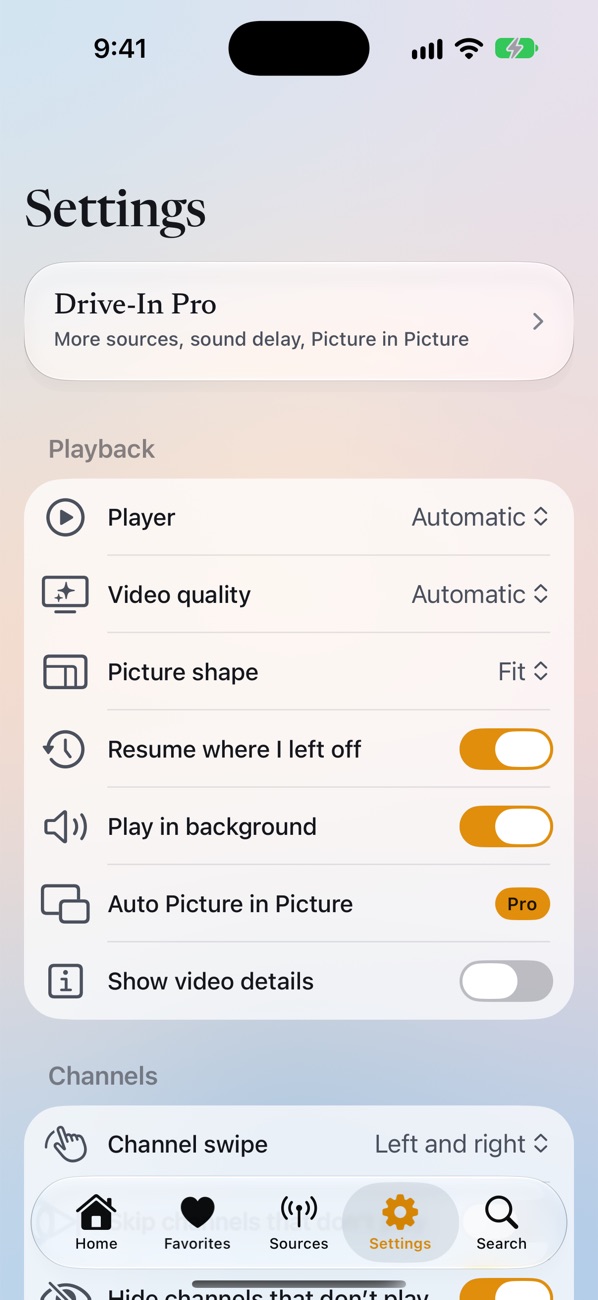
iPhone and iPad, light and dark, large text, and four languages: English, Español, Français and Português.
Coming later
Charging, waiting at a pickup, resting on a long drive. We're building Drive-In for the car screen: sound in every car, and video while parked in cars that support it.
Video never plays on the car screen while you drive.
No subscription. The free version plays a whole source. Pro adds the rest.
$0
$9.99 one time
Your logins stay in your iPhone's Keychain. We never see your playlists or what you watch.
No. Drive-In is a player. You bring a playlist link or an Xtream login from your TV provider, or play videos from your iPhone.
Yes. Paste it into Drive-In. If the link contains a username and password, the Xtream fields fill in by themselves.
No. Pro is a single payment. Restore it on any iPhone or iPad signed in to the same Apple Account.